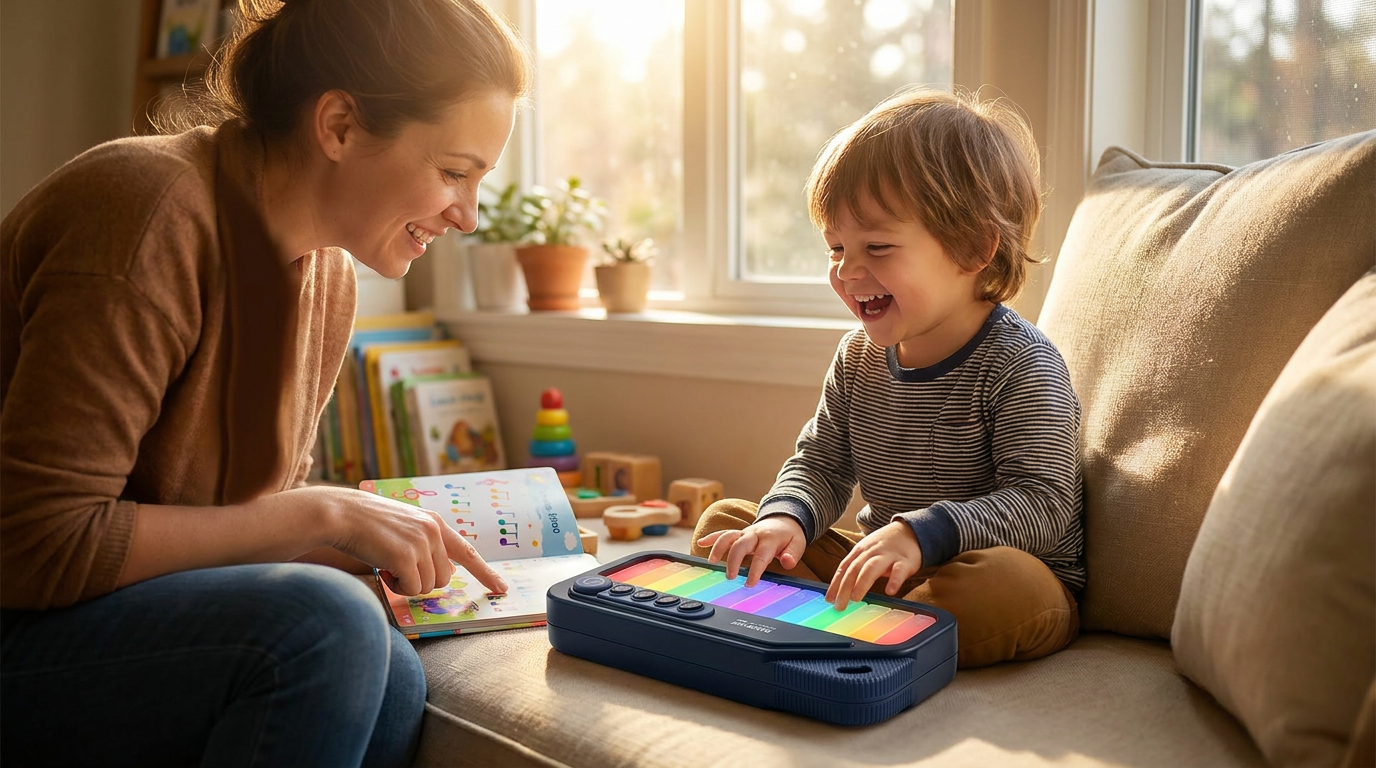
Mastering Notation with the Rainbow Mini Piano System
 Sam VasquezBuying Guide Lead
June 10, 2026. This guide explores the mechanics of color-coded music systems and how they bridge the gap between abstract theory and physical play. It is written for parents and adult learners who want a faster path to sight-reading without the frustration of traditional black-and-white notation.
Traditional music education often hits a wall when a student first encounters a staff. According to Colourful Keys, color is not merely a decorative element but a functional tool that can help struggling readers identify intervals and pitch relationships without it becoming a permanent crutch. For many, the hurdle isn't the physical act of pressing a key; it is the cognitive load of translating a black dot on a line into a specific finger movement. This is where a [mini piano for beginners](/blog/rainbow-mini-piano-adult-beginners) becomes a critical asset. If you are on a budget, you might be tempted to just put stickers on an old keyboard, but those often peel or leave residue. I have found that integrated color systems work better because the visual cues are consistent across the hardware and the sheet music. Ashley Danyew notes that color-coding musical patterns and motives can actually improve music literacy by highlighting the structural 'blocks' of a song. When a student sees a red note on the page and strikes a red key, they are building a neural map that connects visual frequency to auditory pitch. Skip this if you already have a background in music theory and can sight-read fluently; this system is designed specifically to lower the barrier to entry for the uninitiated.
The Rainbow Mini Piano addresses these challenges by aligning the physical interface with a standardized color spectrum. This isn't just a colorful keyboard for kids; it is a calibrated learning device. The instrument uses a specific sequence of hues that correspond to the C-major scale, allowing a portable color coded piano to serve as a mobile classroom. Between the options of using a standard iPad app versus a physical tactile instrument, I’d go with the physical piano every time because it develops muscle memory that a touchscreen simply cannot replicate. To make the most of this, I recommend using software like MuseScore to create custom scores. As noted in a discussion on the Beginner Piano Facebook group, MuseScore allows users to color-code note heads easily, which means you can transcribe any simple melody into the Rainbow Mini Piano’s color palette. This flexibility ensures that the student isn't limited to a single book of songs. You can take a piece of music, apply the colors, and have a child playing a recognizable tune in minutes. It turns the piano into a self-correcting system: if the color on the page doesn't match the key pressed, the student knows immediately without needing a teacher to point it out. This autonomy is what builds confidence in early learners.
When choosing how to implement this system, you need a clear framework for your practice sessions. Here is what I’d actually buy and do to get started: first, ensure your hardware has a fixed color-to-pitch ratio that won't confuse the learner. If you are comparing a standard digital keyboard with the Rainbow Mini Piano, the latter wins for portability and immediate visual feedback. Here is my recommended checklist for a successful setup:
- Verify that your sheet music colors match the physical keys exactly (standard Booomwhacker or Rainbow Mini Piano colors).
- Use a physical instrument rather than a tablet app to build finger strength and tactile awareness.
- Limit initial practice to five-note scales to avoid overwhelming the student's visual processing.
- Transition slowly by using 'hybrid' notation where only the first note of a phrase is colored.
- Ensure the instrument is placed at a proper height to prevent wrist fatigue during longer sessions.
Sources
- What software can create color coded sheet music? - Facebook
- How Colour Coding Music Can Help Struggling Readers
- 033 - How to Teach Music Literacy Using Color | Ashley Danyew